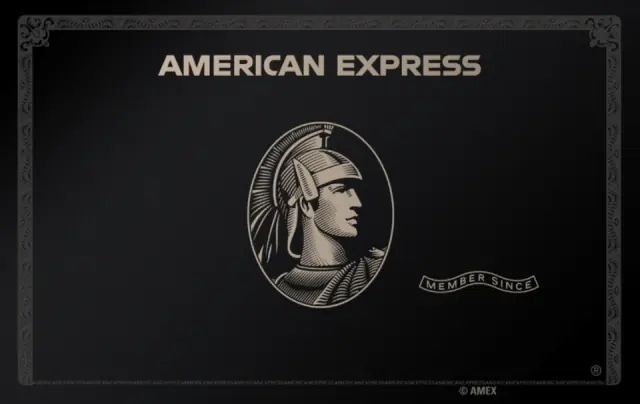
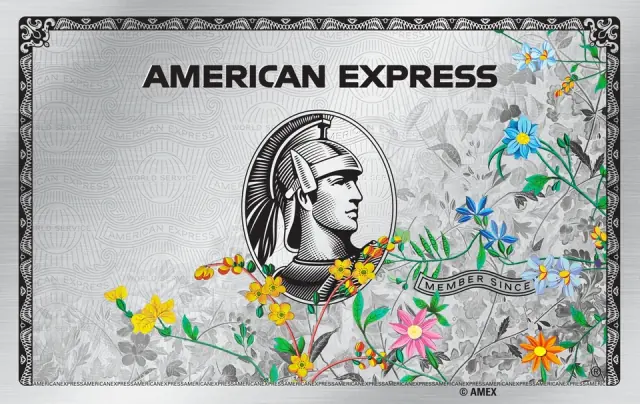
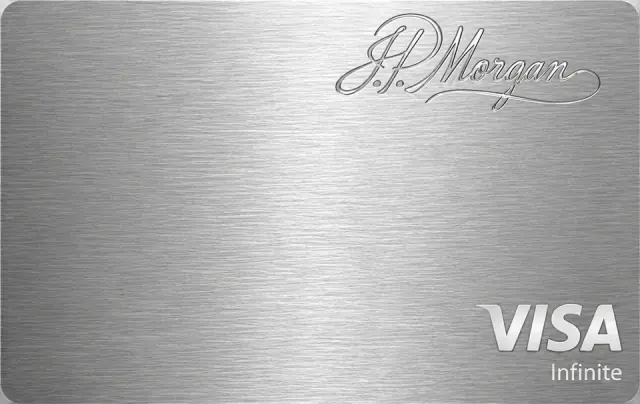
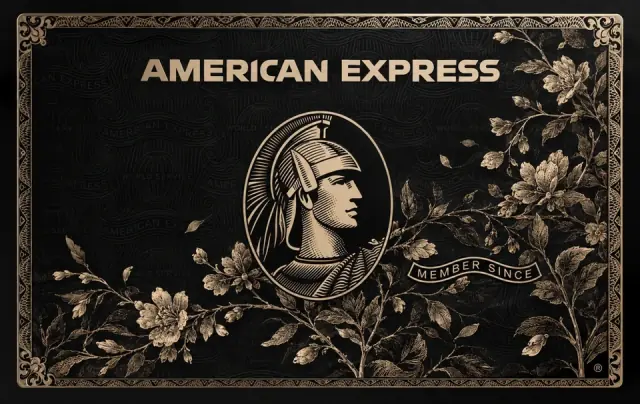
What does CardLARP actually change?+
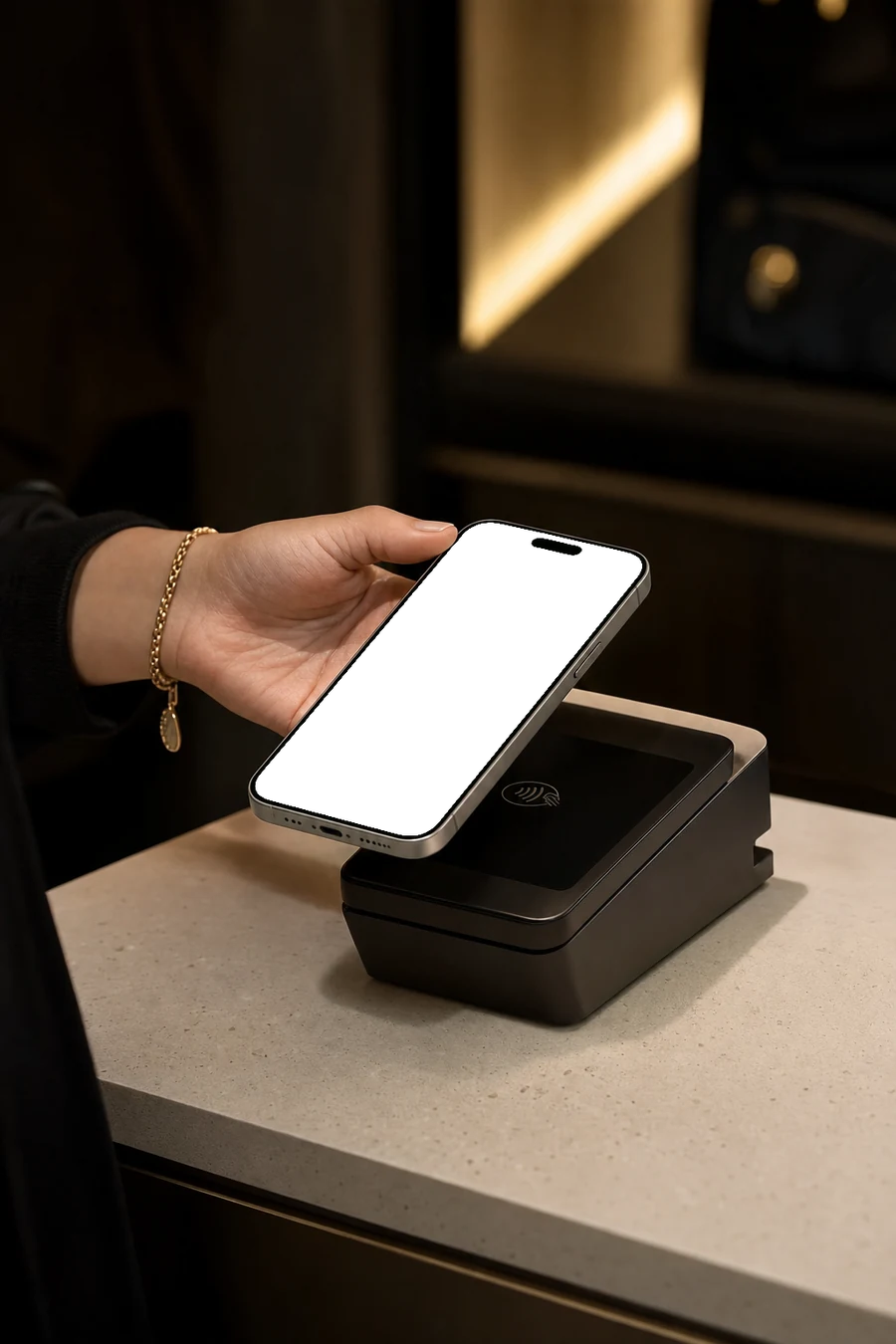
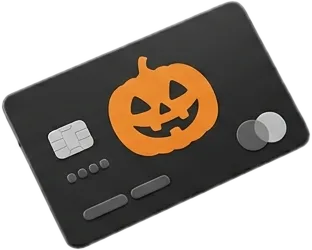
Only the artwork on the front of a card in Apple Wallet. Card numbers, balances, transactions and Apple Pay itself are left exactly as they are.
Can I upload my own designs?+
Yes. Drop any PNG or JPG into CardLARP, whether it's a photo, a logo or something you made, and it's fitted to the card shape before it's sent to your iPhone.
Will Apple Pay still work?+
Yes. Paying, tapping transit gates and checking balances all work the same way. You just see a different picture on the card.
Which cards can I restyle?+
Credit, debit and transit cards. Tickets, boarding passes and gift cards are hidden in the app because they can't be restyled cleanly.
Can I go back to the original look?+
Yes. CardLARP saves each card's original design before the first change and keeps it in your strip, so you can drag it back on anytime. Every card also has an undo history for stepping back through designs.
Does it work without a cable?+
Yes, if your iPhone already syncs with your Mac over Wi-Fi. To turn that on, plug in once, select your iPhone in Finder and tick “Show this iPhone when on Wi-Fi”. Updates are quicker over a cable, so plug in when you can.
My Mac won't open CardLARP. What do I do?+
CardLARP isn’t notarized by Apple, so the first time you open it, macOS says “CardLARP.app” Not Opened and that Apple could not verify it. That’s expected. Click Done, then go to System Settings > Privacy & Security and click Open Anyway. It only takes a minute and you only do it once. Step-by-step guide with pictures. Your first time plugging in your iPhone, unlock it and tap Trust.
Which iOS versions work?+
iOS 18 to 26.7.1 or iOS 27.0 to 27.1. Apple closed the sync path CardLARP uses in iOS 26.7.2 and iOS 27.2, so cards can't be restyled on those versions or later for now. If you want to keep changing your cards, don't update past iOS 26.7.1 or 27.1.
Does my Mac need anything else?+
Just Apple's free Command Line Tools, which many Macs already have. If yours doesn't, CardLARP asks once and installs them with Apple's own installer. It takes about 5 to 10 minutes.
Do I need to jailbreak my iPhone?+
No. CardLARP works with a normal iPhone connected to your Mac.
Why isn't it on the Mac App Store?+
CardLARP relies on system frameworks that App Store apps aren't allowed to use, so it's distributed directly instead.
Is it free?+
It's free to download, and your first upload to each iPhone is free. After that: 5 uploads for $4.99, unlimited for 30 days for $14.99, or unlimited forever for $19.99. All one-time payments, no subscription. Failed uploads are never charged, and undo or going back to the original is always free. See pricing. Questions? Email [email protected].
I paid on another Mac. How do I get my uploads back?+
In CardLARP, choose Plans > Restore Purchase and enter the email from your receipt and the last 4 digits of the card you paid with. Unused uploads, passes and Unlimited forever all come back. Paid with Apple Pay or Link and it doesn't match? Email [email protected].
Can I get a refund?+
Yes. Write to [email protected] within 14 days of buying. And if an Apple update stops CardLARP from working on your iPhone, we'll refund what you haven't used.